About Blog Component
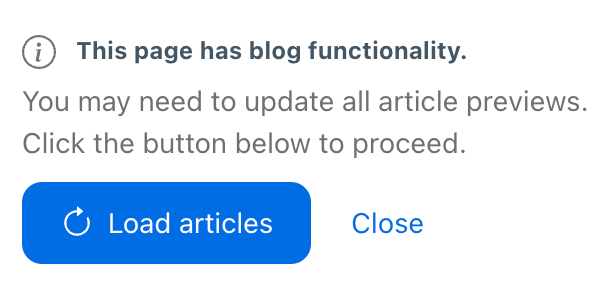
The blog component allows CMS users to generate article previews and populate the blog page by clicking the “Load articles” button.
Create Articles
- In Pages, click “Create A Page”
- Enter your Page Title (This will be used for the article title)
- In Categories, choose “Articles” Important: This has to be done or the blog script will not be able to find the article. Ensure your URL has
/articles/in it - Click “Select a layout” and choose “Article”
- Click “Create”
- Fill out all required boxes. Usually: Published/Archived, Image, Category, Date, and Excerpt. Some set ups may require more or less information than that
- Click “Save” and “Publish”
Create Blog Page
- In Pages, click “Create A Page”
- Enter your Page Title
- In Categories, choose “Blog”
- Click “Select a layout” and choose “Blog”
- Click “Create”
- Click “Load Articles” to generate all article previews
- Click “Save” and “Publish”