Where to find Audit Information/Documents
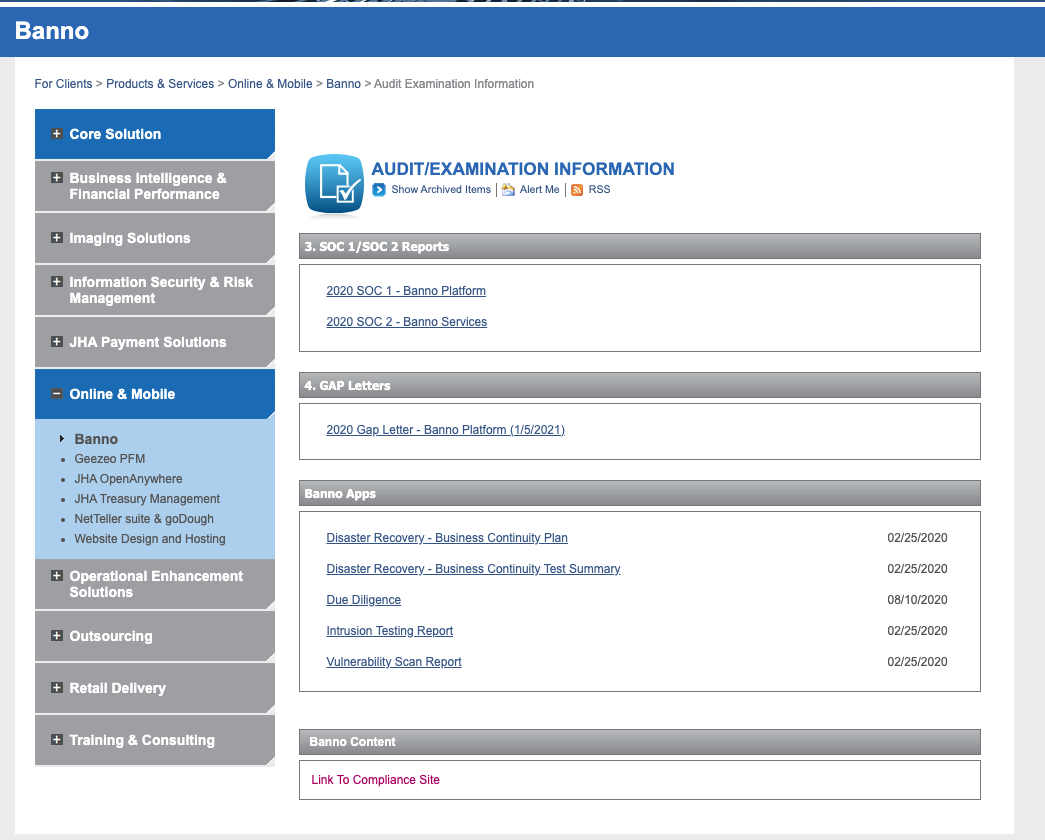
Audit/Examination Information can be found in 2 places, the For Clients Portal and the Compliance Portal.
The For Clients Portal is where clients can find Disaster Recovery information, Due Diligence, Intrusion Testing Report, and our Vulnerability Scan Report Products & Services > Online & Mobile > Banno > Audit Examination Information
The Compliance Portal is where clients can access files for vendor audits, due diligence, SSAE16s, our SOC2 Report. The results of our Penetration Testing and Vulnerability Assessment can be also be found here.
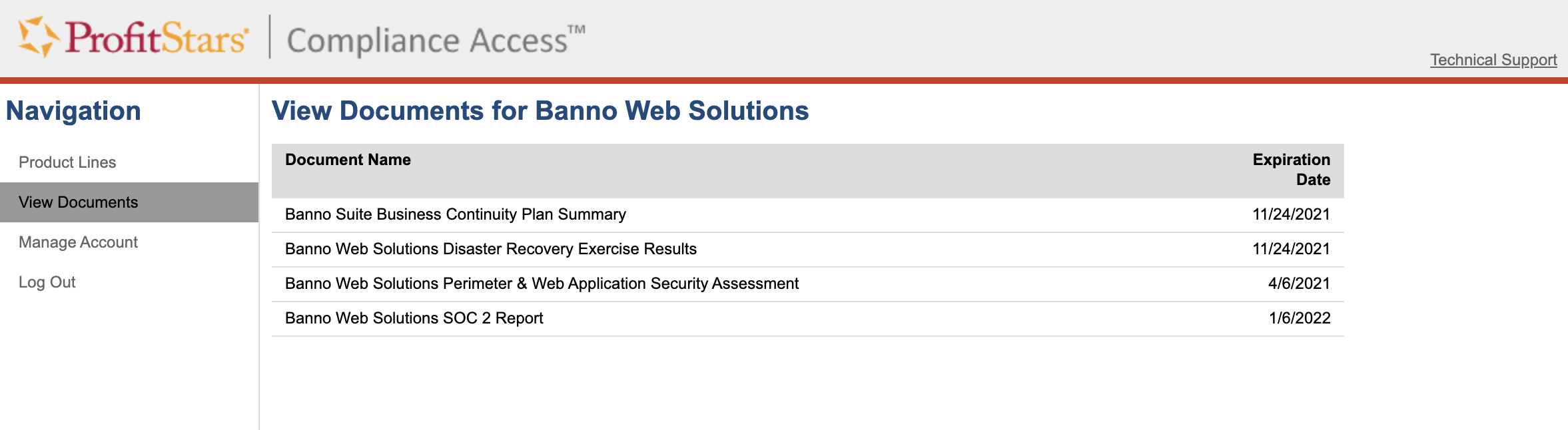
How to Add New Users to Compliance Portal:
To get new users set up in the Compliance Portal send an email to: ComplianceAccessSupport@jackhenry.com
Include: JS#, Bank Name, Banno or PWEB, Contact Name and Contact Email
Damon Xanthopoulos and Niki Merriwether handle this site and get new users set up.
PWEB clients pay a fee - $35 for access (no limit on number of users). Access to the Compliance portal is included for Banno clients.
3rd Party Scan Information
We do not allow for 3rd party external scanning on our sites, but we do complete vulnerability testing on our end. Since we block outside testing, the results might not be accurate and return false positives. The results of our Penetration Testing and Vulnerability Assessment can be found on our Compliance Portal.
Response if an FI provides a report of their 3rd parties testing/findings
Jack Henry does not coordinate times for 3rd party testing nor review individual report findings. Jack Henry does undergo annual 3rd party penetration testing via a JH contracted vendor and those tests are used to produce a statement of attestation which is available to all customers in the For Clients Portal to fulfill your audit and compliance requirements.
Because of the steps we take and the way we manage a multi-tenant platform, Jack Henry does not manage responses to individual scans. The digital team appreciates you sharing your institution’s results and our security team will review all that’s submitted.
Our teams tend to see frequent false positive activity in these shared results. Additionally, we have blocked traffic in the past where it appears fraudulent, and scans have been blocked. We do that on an as needed basis when it interferes with the daily operation and protection of the platform.
Server Info and FAQ’s
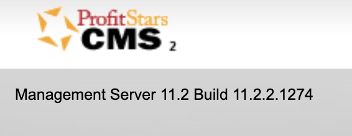
CMS Version Info
- For Banno clients add
/_/api/status/versionafter their domain to see the version. - Reddot CMS Version info can be found on the login screen
FAQ’s
- If needing a description of the backup procedures for websites content - All sites are backed up nightly and kept for at least two years.
- Our assessments are done annually, the latest can be found in the compliance portal: https://forclients.jackhenry.com/Compliance/pages/Vendor-Management.aspx
- Common IT Audit Issue. Visitors can bypass pop-up disclaimer by right-clicking third-party link and selecting “open in new tab”.
- A. We want to avoid disabling right click. It’s not a good solution for this issue. Dev’s can set an alert so if someone tries to right click on an external link – the alert contains the disclaimer text. Example: https://dellsbank-uat.banno.com/
- B. Create a case and send to the Banno Web Developers. (See JSource Guide on how to create a case)
- Audit Finding on Website/upgrade the version of JQuery – Work with the Bank’s web hosting vendor to upgrade the version of JQuery running on the web server from 1.10.1 to 3.5.0, or higher, to correct known vulnerabilities.
- A. Create case and send to dev – don’t bill.
- We are needing reports on intrusion detection, volume usage, capacity availability, up time/down time for our website. I did not see these in the compliance access site. Do you know where I can get these? Response: I am specifically seeing our Intrusion testing report here on the For Clients Portal, and the other information should be available in one of these documents as well: https://forclients.jackhenry.com/products-and-services/Online-Mobile/Banno/pages/Audit-Examination-Information.aspx