Typically, devices are enrolled with Jamf via Automated Device Enrollment during the Setup Assistant. If a computer was not enrolled during setup, you can retroactively update the enrollment by following this workflow.
Enrolling a device with macOS 15 or later
- Open a terminal window and enter the following command:
sudo profiles renew -type enrollment
- Enter your computer password when prompted. Note that terminal does not show anything as you type.
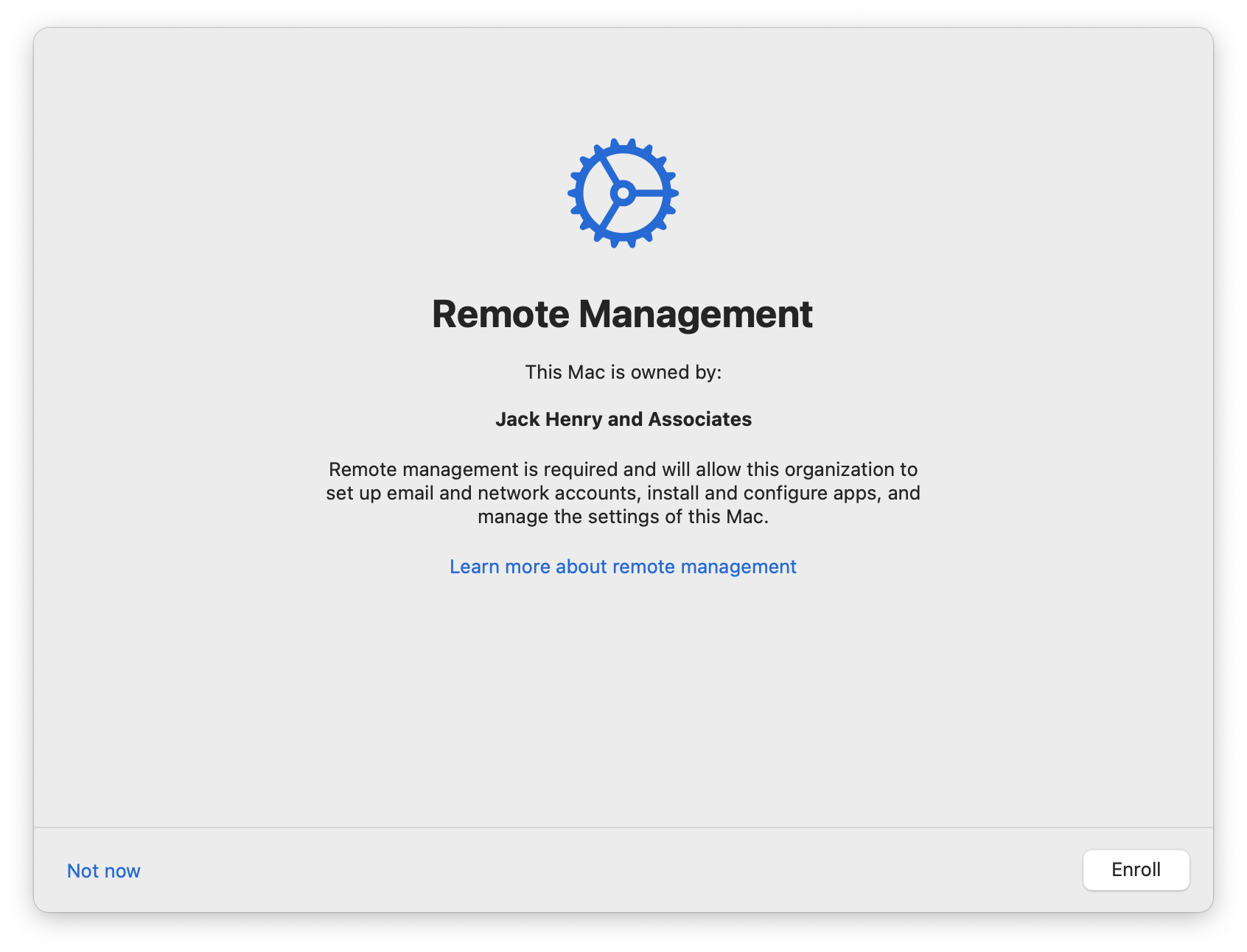
- A Remote Management window will display on your screen. Click Enroll.
- When prompted, enter your computer password to enroll in remote management.
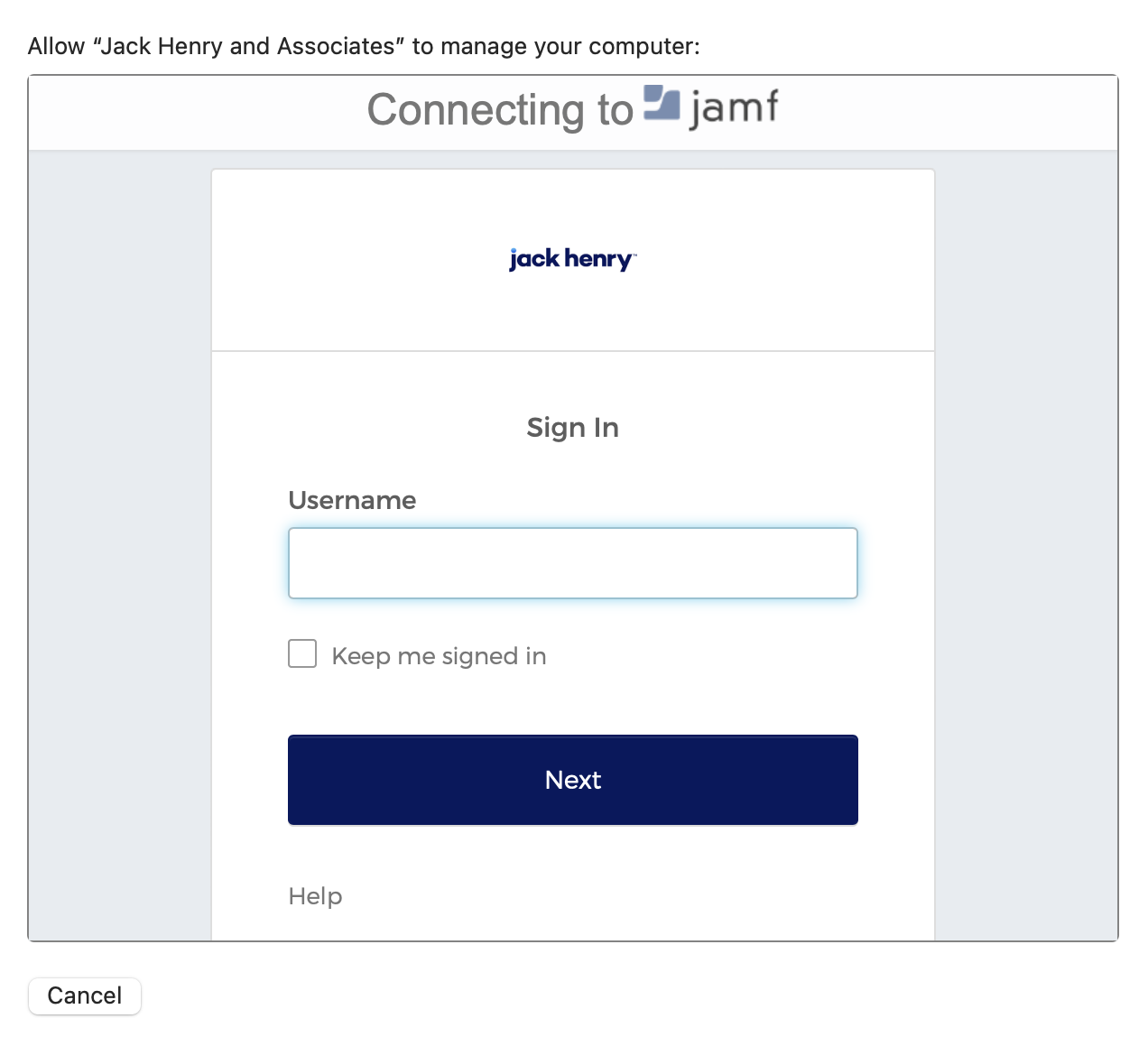
- The following window will appear. Enter your Okta credentials, then click Login.
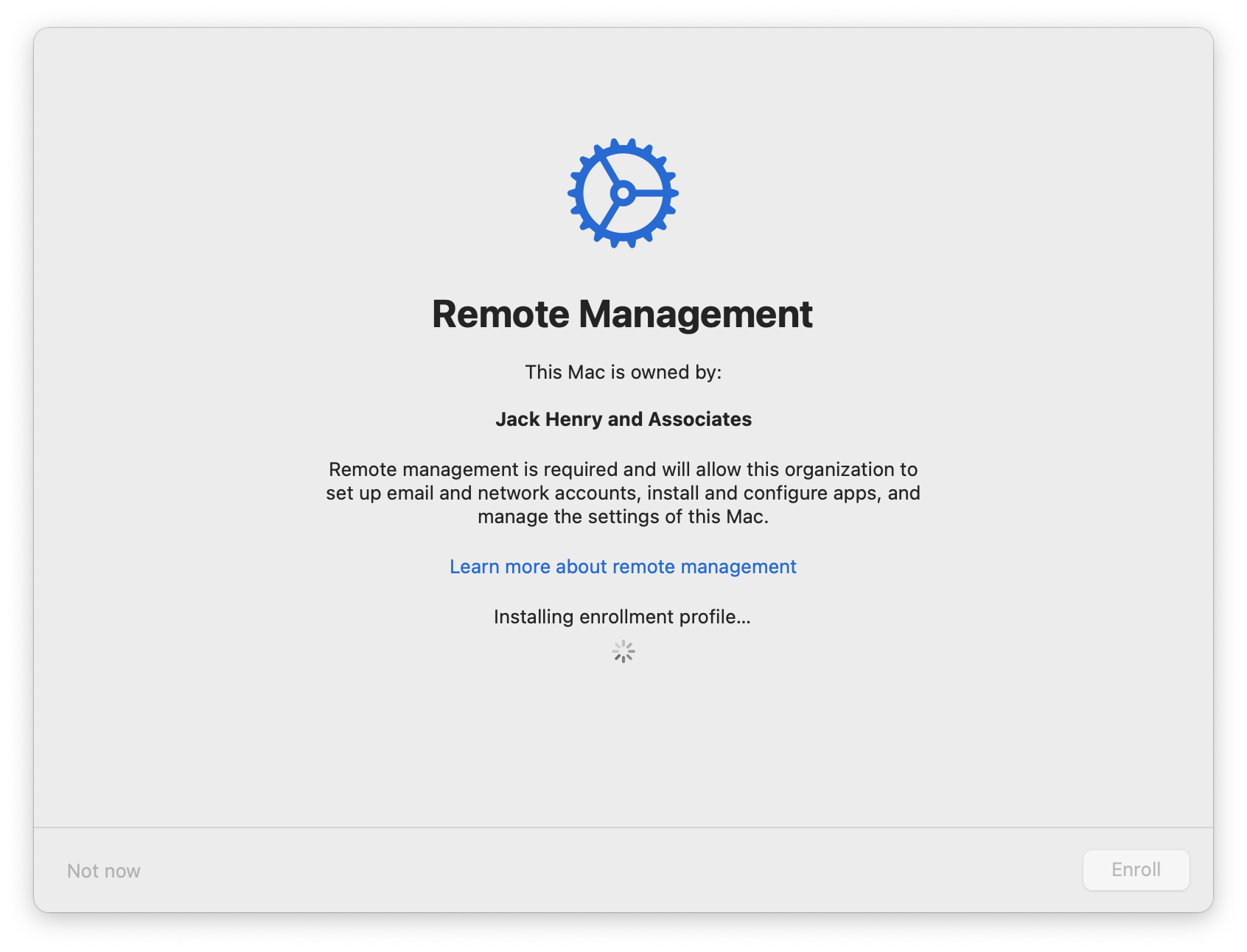
- The MDM Profile, and other required profiles will begin to install.
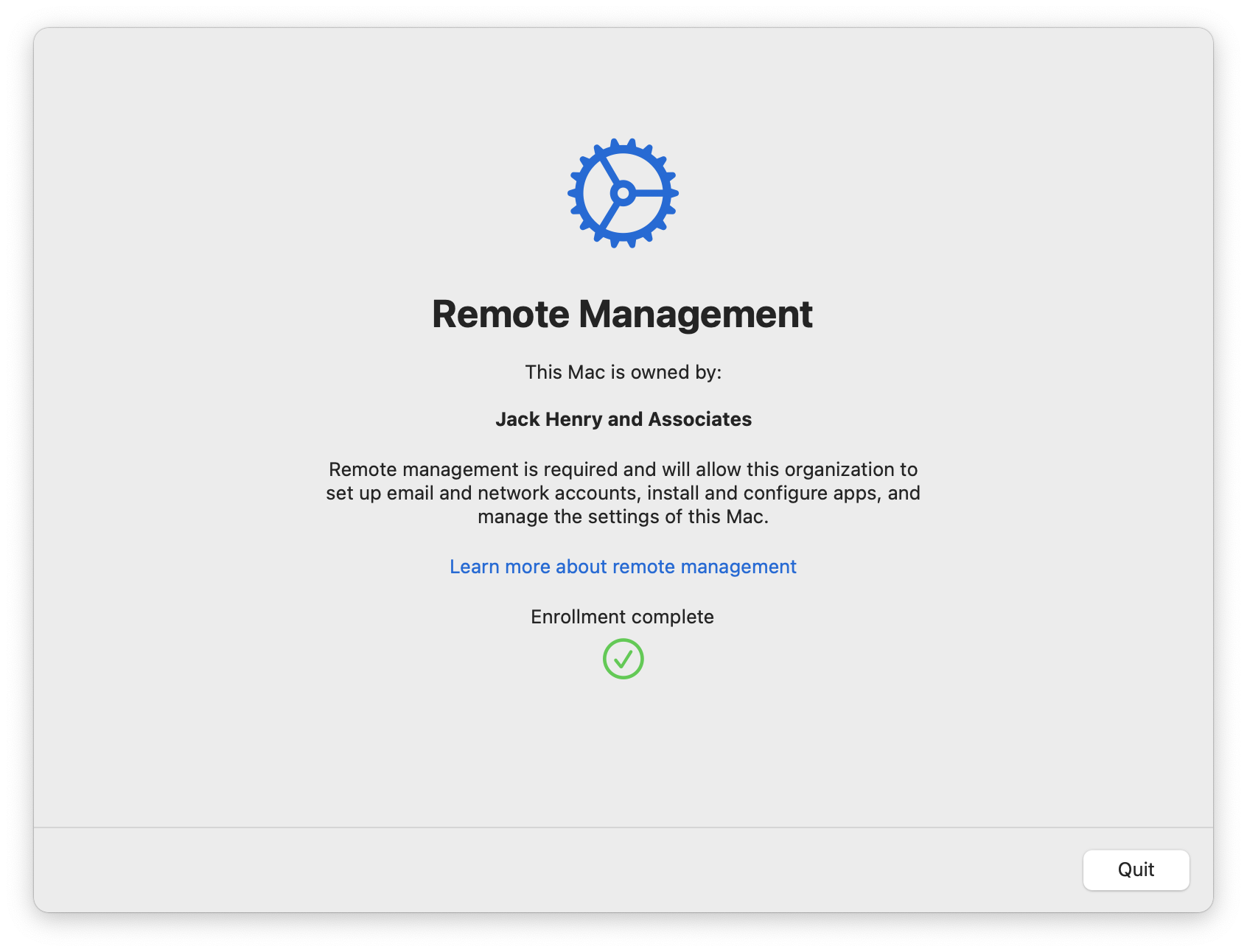
- Once complete, click Quit.
- After waiting a few minutes, navigate to the Self Service+ application and run the item named New Mac Configuration.
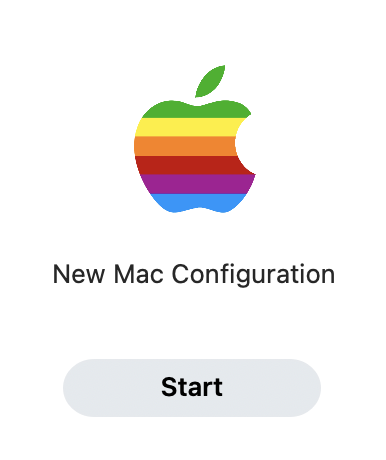
- Once finished, you will be prompted to restart. When the computer restarts, the process is complete.
Enrolling a device with macOS 14 or earlier
- Open a terminal window and enter the following command:
sudo profiles renew -type enrollment
Enter your computer password when prompted. Note that terminal does not show anything as you type.
The following alert will appear in the upper right corner of the screen:
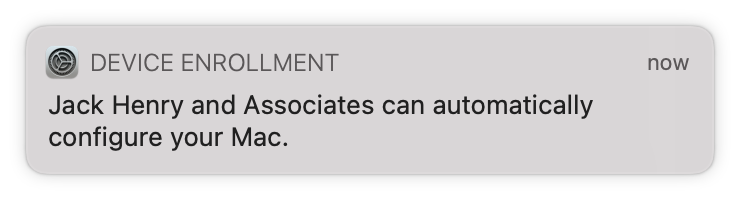
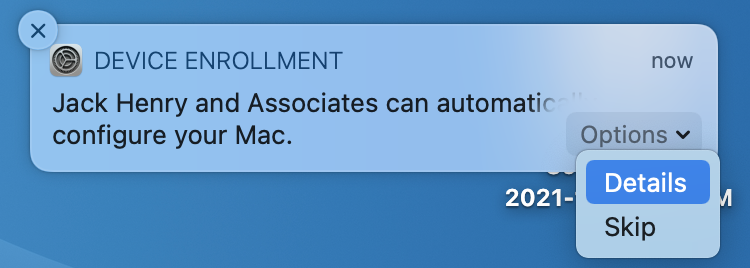
Under the options dropdown, click Details
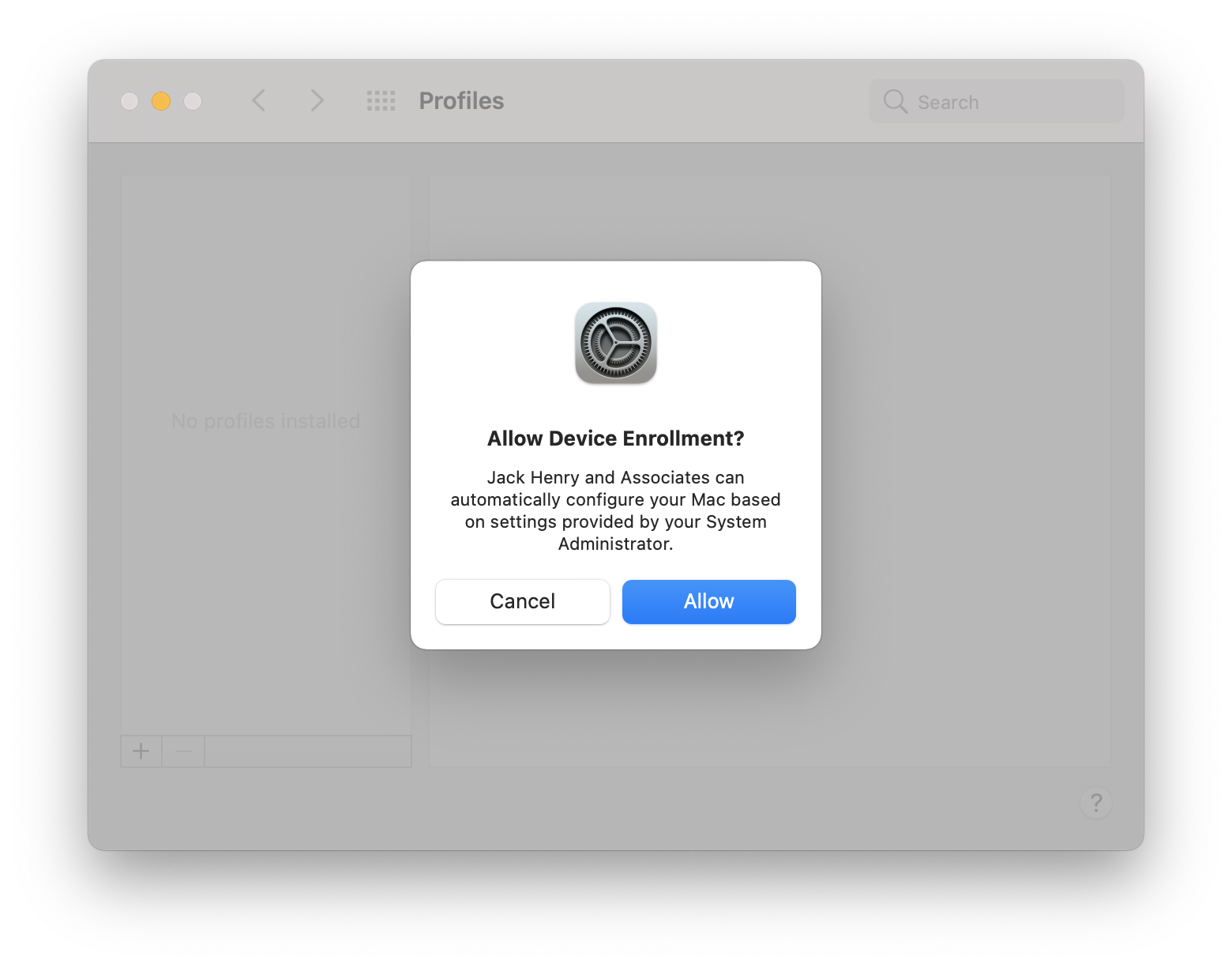
System Preferences will open. Click Allow
When prompted, enter your computer password to enroll in remote management. (From this point on, enrollment mirrors the process described here: https://docs.banno.com/new-mac/#initial-macos-setup)
The following window will appear. Enter the appropriate credentials, then click Login.
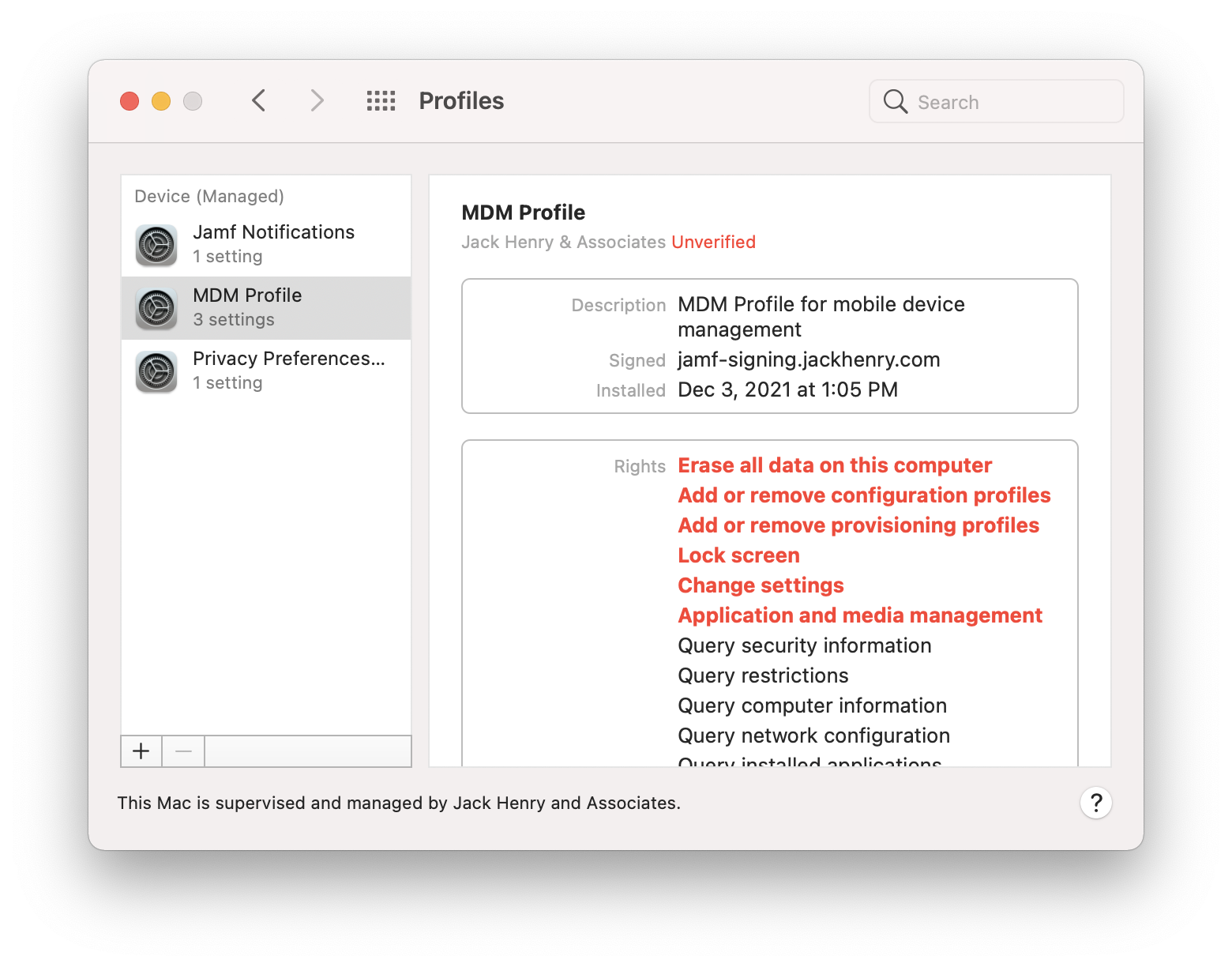
The MDM Profile, and other required profiles will begin to install.
Navigate to the Self Service+ application and run the item named “New Mac Configuration”.
Once finished you will be prompted to restart. When the computer restarts the process is complete.